Virtual Mailbox for Shopify: Protect Privacy & Upgrade Your Brand
Date Published :

Setting up a Shopify store often brings an unexpected hurdle right at launch. During checkout, on order confirmation emails, and across your store policies, Shopify requires a physical business address. For many independent founders, ecommerce creators, and digital nomads, the default option is a personal home address.
Using your home address creates immediate privacy risks. Your home location becomes public record, indexable by search engines, and visible to every customer who buys a product. A dedicated virtual mailbox for Shopify businesses solves this problem by providing a commercial physical address. This protects your personal residence while handling operational postal mail, vendor correspondence, and official state LLC documents securely in one digital dashboard.
Why Does Shopify Require a Business Address?
Shopify enforces address requirements to comply with global anti-spam regulations, payment gateway verification standards, and consumer protection laws. Every transactional email sent from your store must include a valid mailing address to comply with regulations like the CAN-SPAM Act.
Without a physical mailing address, payment processors like Shopify Payments, Stripe, or PayPal may flag or pause your account during routine verification checks. Using a commercial address keeps your store fully compliant without sacrificing your personal safety or family privacy.
Why a PO Box Isn't Enough for Your Shopify LLC
When searching for a private business address, many store owners consider renting a local Post Office box. While a PO Box hides your home location from store emails, it creates significant operational roadblocks for an expanding ecommerce business.
- LLC Registration Limits: Most state departments and Secretaries of State explicitly reject PO Boxes as registered agent addresses or official principal business addresses.
- Carrier Restrictions: Major courier services like UPS, FedEx, and DHL cannot deliver to standard USPS PO Boxes.
- Lack of Remote Access: A PO Box requires physical trips to collect mail, defeating the purpose of running a flexible, location-independent online business.
A commercial virtual mailbox provides a true street address with a unique suite number. This allows you to register your LLC, receive shipments from any courier, and preview incoming mail online regardless of your physical location.
How a Virtual Mailbox Streamlines Ecommerce Operations
A modern mail management service does more than keep your home address off Google. It acts as a digital receiving dock for your business operations.
Complete Privacy Protection
By placing a commercial street address on your Shopify footer, contact page, and privacy policy, you keep your personal residence entirely separate from your public brand. This prevents unwanted drop-ins, unsolicited marketing junk mail, and online address scrapers from targeting your home.
Centralized Mail for Multiple Channels
If you sell across multiple channels like Shopify, Amazon, Etsy, or eBay, keeping track of physical business notices can get chaotic. A virtual mailbox aggregates all incoming tax forms, bank statements, legal notices, and supplier letters into a single secure portal.
Remote Mail Management for Traveling Founders
When mail arrives at your assigned physical address, trained staff handle the intake process securely. You receive a high-resolution scan of the envelope exterior. From your phone or laptop, you decide whether to have the contents opened and scanned, forwarded to a temporary address, or securely shredded. This level of control allows founders to manage their operations seamlessly from anywhere in the world.
Our founders built PostalNook after years in real estate development, where physical assets, strict privacy compliance, and location flexibility were daily priorities. That background shapes how we handle sensitive physical logistics today. We combine physical security with intuitive software so you can focus on scaling your store.
How to Set Up Your Virtual Address on Shopify
Transitioning your Shopify store to a virtual business address takes only a few minutes once your mailbox account is active.
- Update Store Details: Go to your Shopify Admin panel, select Settings, then Store Details. Update your Legal Business Name and Official Address with your new street address and suite number.
- Adjust Email Notifications: Navigate to Settings, then Notifications. Ensure the sender profile footer displays your new commercial address to remain CAN-SPAM compliant.
- Update Legal Policies: Refresh your Contact Us page, Terms of Service, and Privacy Policy pages so customer-facing locations match your official business address.
- Update Payment Gateways: Log into your primary payment processor and update your business address to ensure tax forms and legal notices reach your virtual inbox without delay.
If you are currently evaluating options for your store's setup, explore our flexible Plans & Pricing to find an address plan that aligns with your operational needs.
Frequently Asked Questions
Explore our in-depth guide on virtual mailboxes—from key features and benefits to easy setup instructions. Perfect for individuals and businesses seeking a secure, efficient digital mail solution.
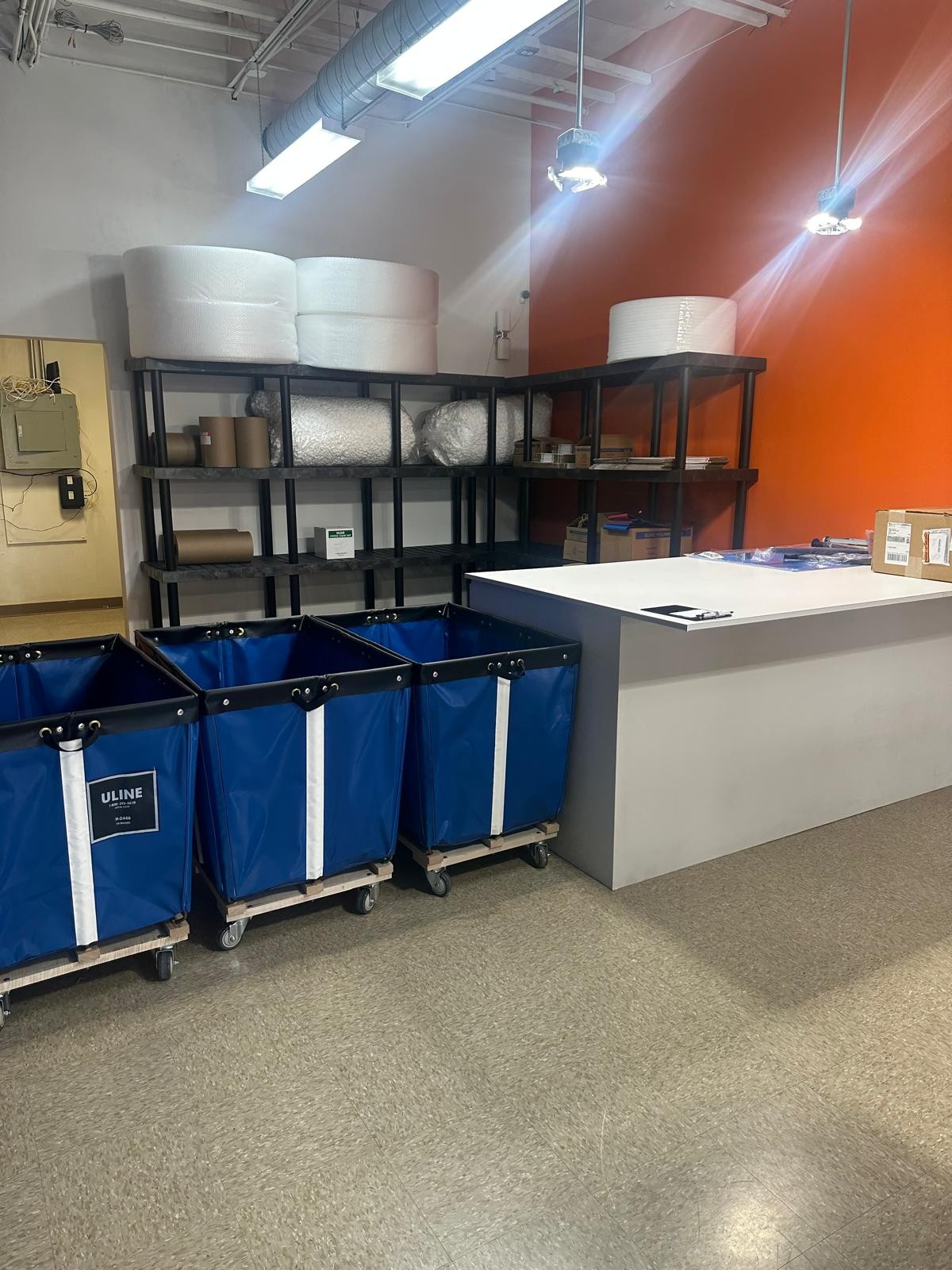
PostalNook isn’t just keeping pace with the future of business communication and logistics—it’s defining it. With our innovative virtual mailbox, integrated logistics, and customer-first approach, we’re making it easier than ever for entrepreneurs to manage their U.S. operations efficiently and legally. Embrace the future with PostalNook and experience a new era of business communication and distribution that’s as dynamic and forward-thinking as you are.
.png&w=3840&q=90)
Discover how digital nomads can overcome mail management challenges with virtual mailboxes. Learn how to access, manage, and secure your mail anytime, anywhere while traveling the world.

Have a question?
We're here to help! Feel free to reach out. Just fill out the form below, and our team will get back to you as soon as possible.
Contact Us
We're here to assist you with any questions or concerns you may have.
(512) 358-1060
contact@postalnook.com
12856 N HIGHWAY 183 (RESEARCH BLVD) AUSTIN, TX 78750

Join our VIP Club
Exclusive deals, early access, and special perks for our valued members.