How Mail Scanning Works: A Guide to Digital Mailrooms
Date Published :
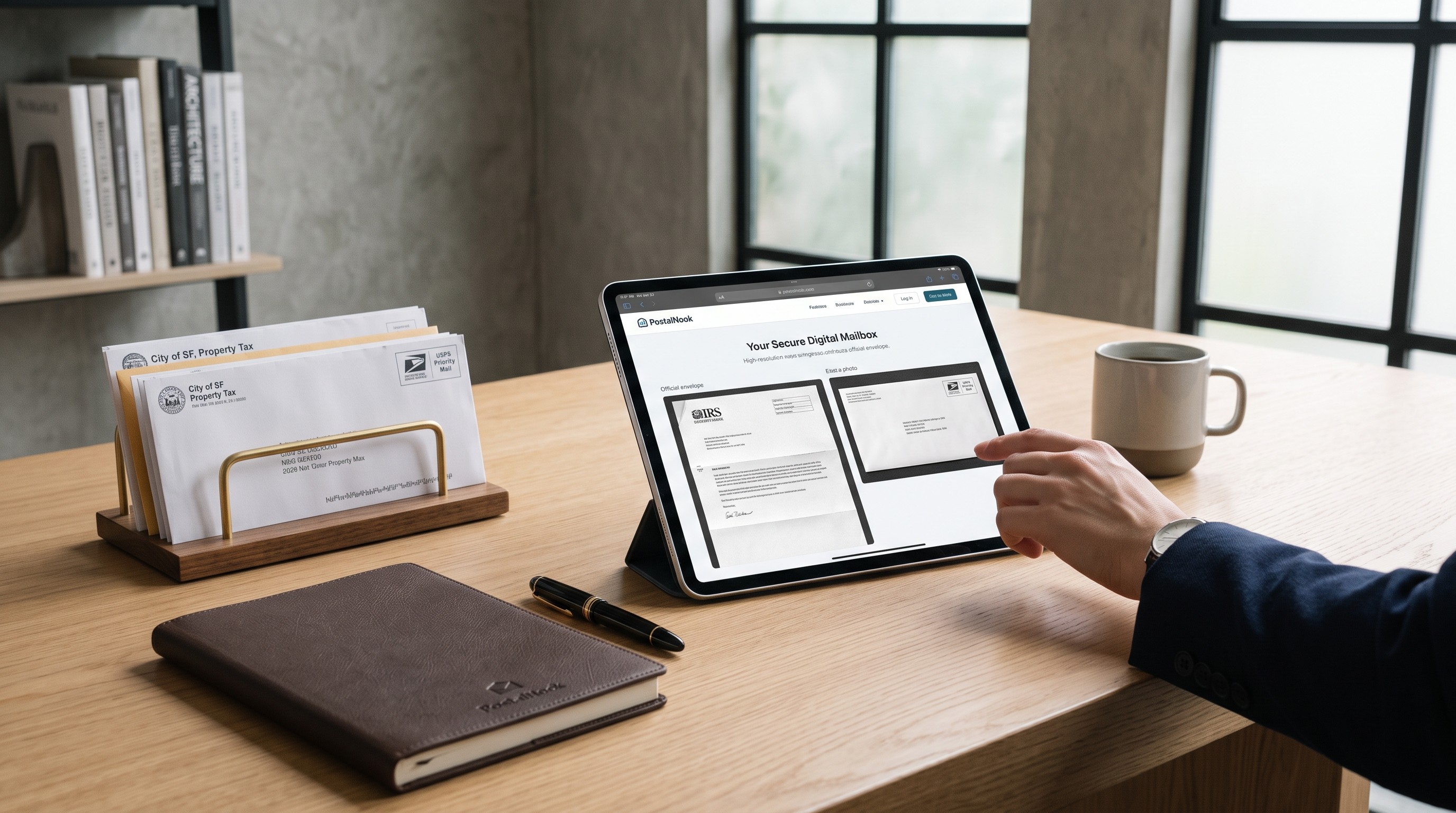
What is mail scanning and how does it turn physical paper into digital files?
Mail scanning is a secure service that receives your paper mail at a physical location, processes the envelope, and uploads high-resolution digital copies to a private online portal. Instead of waiting weeks to retrieve bank statements, tax notices, or official correspondence, you preview the envelope remotely and decide what gets opened, scanned, shredded, or forwarded.
For digital nomads, international business owners, and frequent travelers, remote mail processing bridges the gap between traditional post offices and modern digital workflows. It turns physical paper into searchable digital files while preserving your location independence.
How does physical mail scanning work step by step?
Converting physical envelopes into secure digital documents follows a strict workflow built around privacy, tracking, and user consent. Every piece of mail moves through a controlled process from arrival to final disposition.
1. Delivery to a secure facility
Your mail arrives at a dedicated facility rather than an unmonitored home mailbox. Facility staff receive the mail directly from major carriers such as USPS, FedEx, or UPS. Each incoming item gets logged into a central inventory system using a unique barcode tied to your specific account.
2. Envelope notification
Before any mail is opened, staff capture a high-resolution photo of the outside of the envelope. The notification shows the sender's address, postmark, and overall physical dimensions. You receive an instant alert on your phone or computer, allowing you to review the item without compromising its contents.
3. User authorization and open request
Staff never open a piece of mail without your explicit permission. You inspect the envelope photo inside your account dashboard and select an action. If the item is junk mail, you can dismiss it immediately. If it contains important information, you submit a request to scan the contents.
4. High-resolution scanning
Once authorized, trained intake specialists open the envelope in a secure processing area. Pages are run through commercial-grade document scanners that capture clear text, full-color images, and fine detail. Specialized Optical Character Recognition (OCR) software processes the images, turning flattened page scans into fully searchable PDF files.
5. Secure digital delivery
The scanned document uploads directly to your encrypted online account. You can read, download, tag, or store the PDF in your cloud environment. The digital record remains accessible wherever you have an internet connection.
6. Storage, shredding, or forwarding
After scanning, the original paper document enters a holding period in physical storage. Depending on your instructions, the physical item is kept in a locked unit, securely shredded using cross-cut equipment, or consolidated into a single package to be forwarded to your current physical address anywhere in the world.
How do mail scanning facilities keep your sensitive documents private?
Handing over physical mail processing to a third party requires strict security measures. High-grade mail facilities design their operations to protect personal data, financial details, and proprietary business records.
Physical security forms the first line of defense. Mail centers use multi-factor access control, continuous video surveillance, and restricted intake zones. Only vetted employees who have completed background checks and privacy training handle incoming mail.
Digital security protects your files once paper turns into data. Modern mail operations rely on bank-level encryption standard protocols, including 256-bit AES encryption for stored files and TLS for data in transit. Your documents sit behind strict permission controls, ensuring only account owners can view scanned contents.
Why use a digital mail scanning service instead of a standard PO Box?
A standard PO Box stores paper in a stationary metal locker. You still have to drive to the post office, clear out paper, and manually sort through junk mail. If you leave the city or travel abroad, mail accumulates until you return.
A digital mail scanning service removes geographic limitations entirely. It combines the physical footprint of a commercial address with the accessibility of an email inbox.
- Real-time oversight: View incoming items the day they arrive rather than waiting for physical retrieval.
- Decluttered workflow: Recycle unwanted advertising material before it ever touches your desk.
- Searchable archives: Store years of correspondence as organized PDFs instead of filing paper in cabinets.
- Continuous presence: Maintain a stable address for business correspondence even while moving between locations.
Who relies on virtual mail processing to manage daily logistics?
Managing physical post across borders or state lines is a common hurdle for modern remote workers. PostalNook was created by founders with a background in real estate and international logistics who experienced this issue firsthand. Moving between projects highlighted how easily critical notices, tax paperwork, and client correspondence could slip through the cracks of a traditional address system.
Today, virtual mail scanning supports a broad range of individuals and companies:
- Small business owners: Founders who need a professional commercial presence while operating out of remote offices.
- Expats and remote professionals: Expatriates living abroad who need continuous visibility over domestic accounts, state filings, and tax mail.
- Frequent travelers and RVers: Individuals constantly on the move who cannot check a stationary home mailbox.
- Privacy-conscious individuals: Homeowners and sole proprietors who prefer to keep their residential addresses off public registers and business filings.
By routing paper mail through a unified intake hub, businesses and individuals maintain tight operational control regardless of where their work takes them.
Managing your world from afar is a challenge. To learn more about our operational standards, visit our virtual mail services page. If you have questions about how we handle specific documents, our team is here to help you navigate it.
Frequently Asked Questions
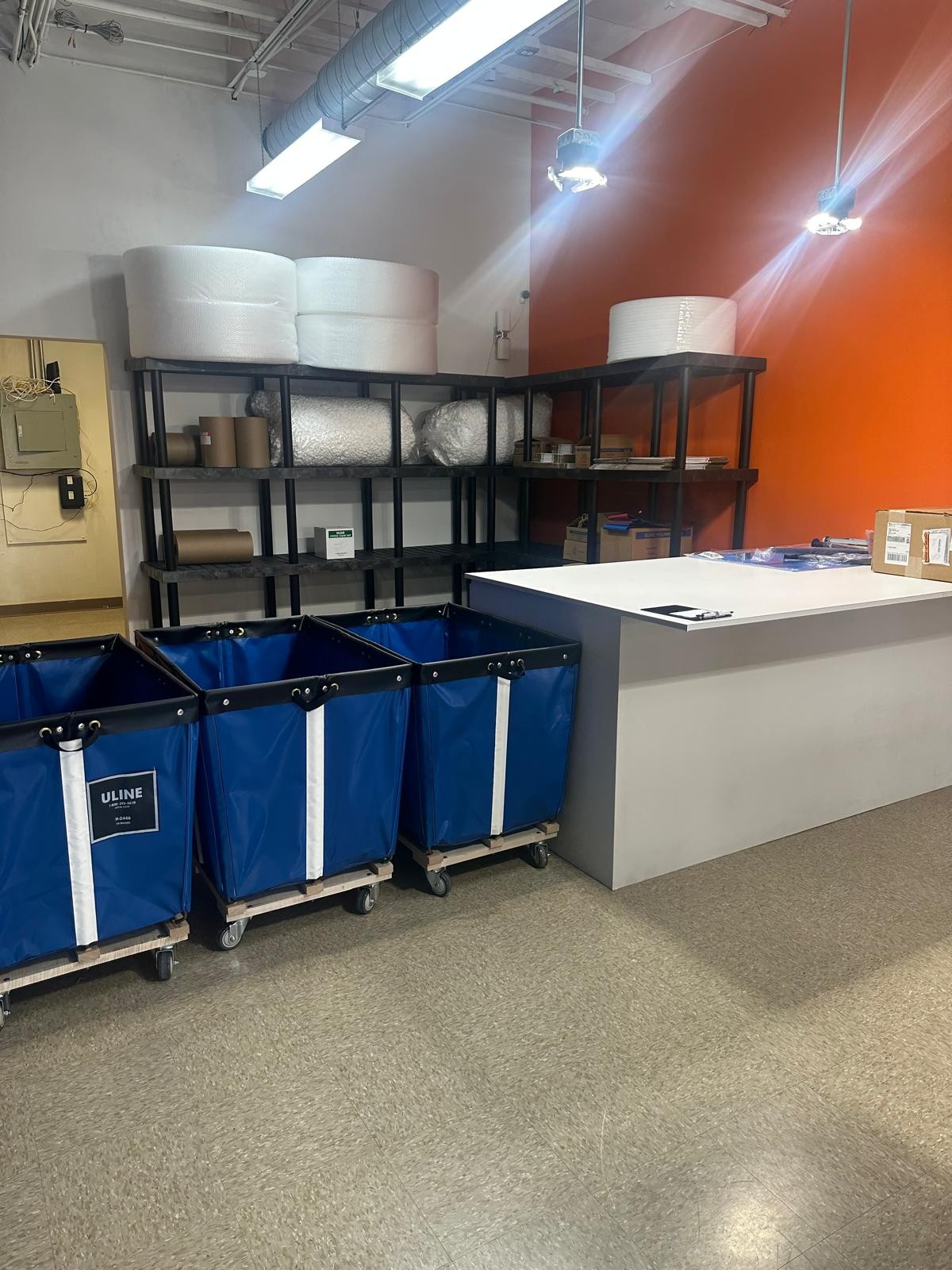
PostalNook isn’t just keeping pace with the future of business communication and logistics—it’s defining it. With our innovative virtual mailbox, integrated logistics, and customer-first approach, we’re making it easier than ever for entrepreneurs to manage their U.S. operations efficiently and legally. Embrace the future with PostalNook and experience a new era of business communication and distribution that’s as dynamic and forward-thinking as you are.
Explore our in-depth guide on virtual mailboxes—from key features and benefits to easy setup instructions. Perfect for individuals and businesses seeking a secure, efficient digital mail solution.
Explore how virtual mailboxes ensure top-notch security and privacy. Learn about advanced encryption, secure data storage, and robust privacy protocols that protect your sensitive mail—anytime, anywhere.

Have a question?
We're here to help! Feel free to reach out. Just fill out the form below, and our team will get back to you as soon as possible.
Contact Us
We're here to assist you with any questions or concerns you may have.
(512) 358-1060
contact@postalnook.com
12856 N HIGHWAY 183 (RESEARCH BLVD) AUSTIN, TX 78750

Join our VIP Club
Exclusive deals, early access, and special perks for our valued members.