Accessible Virtual Mailboxes: Digital Mail for the Blind
Date Published :
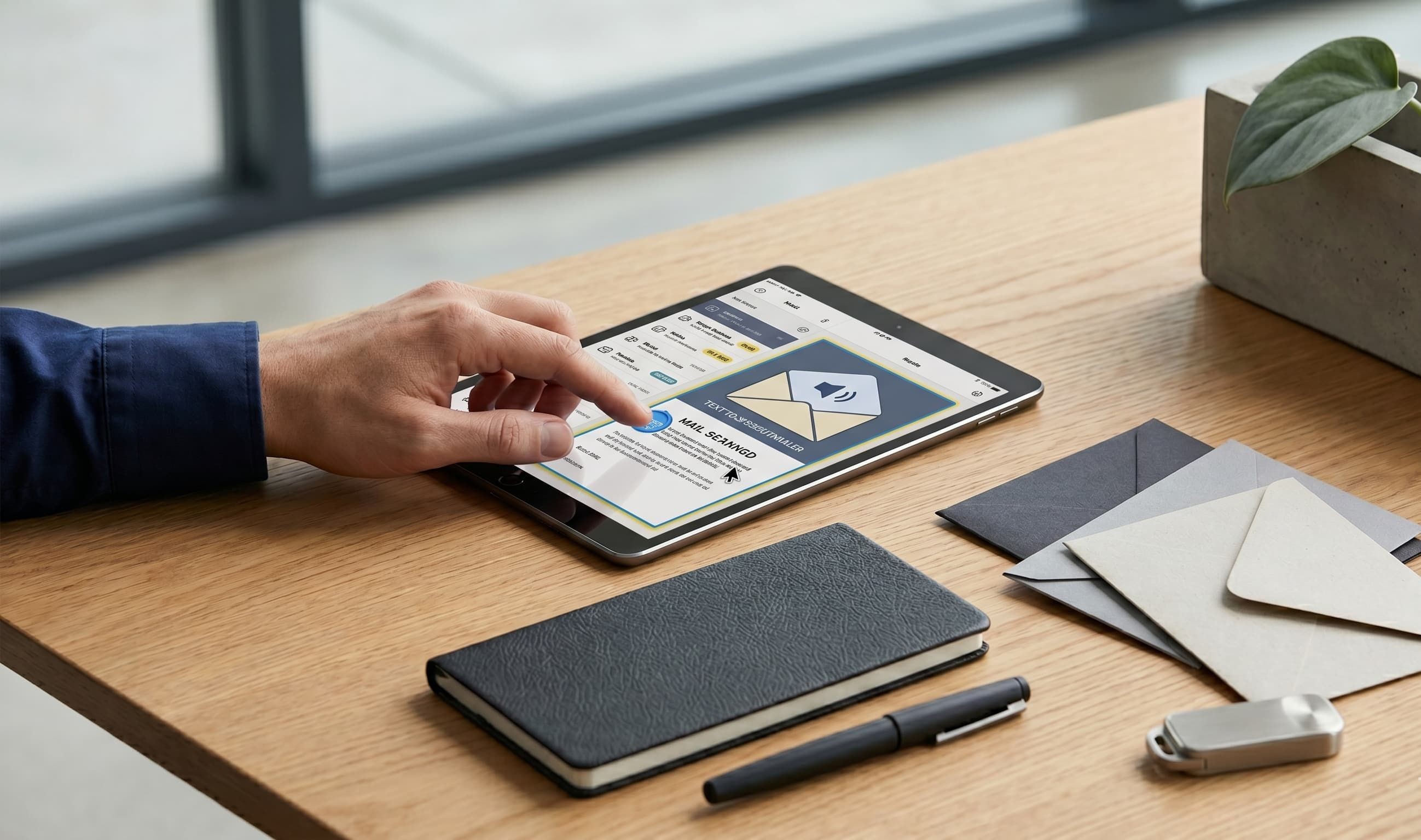
Managing physical mail is a persistent friction point when you live with visual impairment. For decades, the standard routine has involved waiting for a trusted friend, family member, or assistant to sort through envelopes, read sensitive documents aloud, or help fill out physical forms. This process gets the job done, but it introduces a compromise on personal privacy and independence.
A virtual mailbox changes this dynamic entirely by transforming physical paper into an accessible digital format. By routing your postal mail to a secure facility where it is scanned and converted into high quality digital text, you gain the ability to manage your correspondence on your own terms.
Using assistive technology like screen readers, you can independently review, organize, and archive your mail the moment it arrives.
How does a virtual mailbox work for someone with visual impairment?
The process shifts the heavy lifting of mail management from your front door to a secure, remote digital workflow. When you sign up for a virtual mailbox, you are assigned a real physical street address at an established mail center. This is not a standard P.O. Box. It is a functional commercial address capable of receiving letters, certified mail, and packages from all major carriers.
When a piece of mail arrives at the facility, technicians scan the outside of the envelope. An automated notification is sent to your account, displaying the sender information. From your digital dashboard, you can request to have the interior contents of the letter securely opened and scanned, forwarded to another physical location, or shredded.
For anyone utilizing screen magnification or text to speech software, this workflow bridges the gap between analog paper and digital accessibility. Instead of handling physical paper that requires optical character recognition (OCR) apps on a smartphone, the mail is delivered directly to your device as a clean digital file.
What makes mail scanning screen reader friendly?
Not all digital files are created equal when it comes to assistive tech. A standard image scan is essentially a photograph of a document. To a screen reader, that file is completely invisible, presenting as a blank image. True accessibility relies on high quality OCR processing that converts the visual text on a page into searchable, readable digital text.
Screen reader friendly mail scanning ensures that the underlying architecture of the document is compatible with software like JAWS, NVDA, or VoiceOver. When a document is processed correctly, your screen reader can navigate the text sequentially, read columns in the correct order, and identify headers.
This level of detail is crucial for complex documents like medical bills, legal notices, and insurance statements. Having a clean text layer means you can use standard keyboard shortcuts to skip directly to the information you need, rather than listening to a poorly formatted document scramble your reader's output.
Maintaining privacy and security with digital mail
Privacy is a primary concern for anyone transitioning to a digital mail workflow. When our founders launched PostalNook out of their own experiences in real estate investment, they recognized that secure document handling is a non negotiable requirement for business owners, expats, and anyone seeking a higher level of privacy. That same standard applies directly to accessible mail management.
Handling sensitive correspondence requires strict chain of custody protocols. At a professional mail processing center, mail is handled by background checked data security professionals inside monitored facilities. Learn more about our commitment to protecting your data by reviewing our virtual mailbox security features.
[Physical Mail Arrival] → [Secure Envelope Exterior Scan] → [User Request via Dashboard]
↓
[Secure Shredding & Disposal] ← [Digital Text Layer Generation (OCR)] ← [Interior Content Scan]
Once a document is scanned, the digital file is protected by bank grade encryption both while it is being transmitted to your device and while it sits in your digital archive. When you decide a document is no longer needed, you can request digital destruction. The physical paper is then destroyed via secure industrial shredding, ensuring your private data never ends up in a standard waste bin.
Accessible mail management in 2026: What to look for
The landscape of digital mail has evolved significantly. Accessible mail management in 2026 places a heavy emphasis on user interface design and platform compatibility. If you are evaluating a virtual mailbox service for accessibility, there are a few specific features you should prioritize.
- Web Content Accessibility Guidelines (WCAG) Compliance: The online account dashboard should be built following modern web standards, ensuring proper contrast, keyboard navigability, and clear button labeling for screen reader users.
- High Resolution OCR: The service must provide text extraction features that convert scanned images into selectable text, allowing your assistive software to read the contents smoothly.
- Flexible Output Formats: Look for platforms that allow you to download your mail as accessible PDFs or plain text files, which are often the easiest formats for text to speech engines to process.
- Package Forwarding Management: If you receive medication, specialized tech equipment, or standard parcels, the platform should make it simple to review tracking details and forward packages to your home with a few accessible clicks. Read more about how our international package forwarding infrastructure works.
With a global reach that supports users across various time zones and regions, modern virtual mail infrastructure is designed to keep you connected to your critical documents, no matter where you choose to live or travel.
Navigating government and official correspondence
A common question regarding digital mail is how official entities view these addresses. Government agencies, tax authorities, and banking institutions generally require a physical street address rather than a P.O. Box for residency and official notifications.
Because a virtual mailbox provides a legitimate commercial street address, it is widely accepted for official correspondence. This allows you to route critical mail, such as voter registration materials, social security statements, and tax forms, through your accessible digital pipeline.
While a virtual mailbox simplifies how you receive and read these items, it is always wise to review local state regulations regarding permanent legal residency if you are using the address as your primary domicile while traveling or living overseas.
Managing your world independently
Shifting to a virtual mailbox is about more than just reducing paper clutter. For the visually impaired community, it is a practical step toward complete operational independence. It removes the waiting period, the reliance on third party assistance, and the anxiety of wondering what is sitting unread in your physical mailbox.
By curating your mail in a secure digital space, you retain full control over your personal and professional affairs, letting technology do the work of keeping your life organized and accessible.
Managing your world from afar or navigating daily logistical hurdles can be a challenge. If you have questions about how we handle specific documents or ensure platform compatibility with your assistive tools, our team is here to help you navigate it.
Frequently Asked Questions
Explore our in-depth guide on virtual mailboxes—from key features and benefits to easy setup instructions. Perfect for individuals and businesses seeking a secure, efficient digital mail solution.
.png&w=3840&q=90)
Discover how digital nomads can overcome mail management challenges with virtual mailboxes. Learn how to access, manage, and secure your mail anytime, anywhere while traveling the world.
Explore how virtual mailboxes ensure top-notch security and privacy. Learn about advanced encryption, secure data storage, and robust privacy protocols that protect your sensitive mail—anytime, anywhere.

Have a question?
We're here to help! Feel free to reach out. Just fill out the form below, and our team will get back to you as soon as possible.
Contact Us
We're here to assist you with any questions or concerns you may have.
(512) 358-1060
contact@postalnook.com
12856 N HIGHWAY 183 (RESEARCH BLVD) AUSTIN, TX 78750

Join our VIP Club
Exclusive deals, early access, and special perks for our valued members.